 easyconvert
macOS · universal file converter
Convert almost anything.
Without opening Terminal.
A native macOS app for images, video, and audio. GPU-accelerated Core Image and hardware VideoToolbox encoding where Apple's own frameworks reach, and a bundled, self-contained ffmpeg for everything else.
20 output formats, including RAW and vector sources
PNG, JPEG, HEIC, WebP, AVIF, JPEG XL, TIFF, PSD, ICNS, EXR, and more, plus RAW straight from a camera (CR2, CR3, ARW, DNG, and most others) and rasterizing SVG or PDF pages. Compress to a target file size, resize, or export several resolutions from one source in a single pass.
28 containers and codecs
Hardware-encoded H.264, HEVC, and ProRes via VideoToolbox, or MKV, WebM, AV1, DNxHD, DV, and the rest of the container zoo through a bundled ffmpeg. Nothing to install separately.
14 formats, lossy and lossless
MP3 through FLAC through Opus. Target-size compression adjusts bitrate for lossy formats and sample rate for PCM ones, depending on what the format actually supports.
A real 0–100 score
Times actual conversions on your machine and scores them against a calibrated baseline, so the number means the same thing on your Mac as it does on someone else's, not just whatever ran fastest this time.
See it running
Screenshots go in /screenshots: drop in the four files named below.
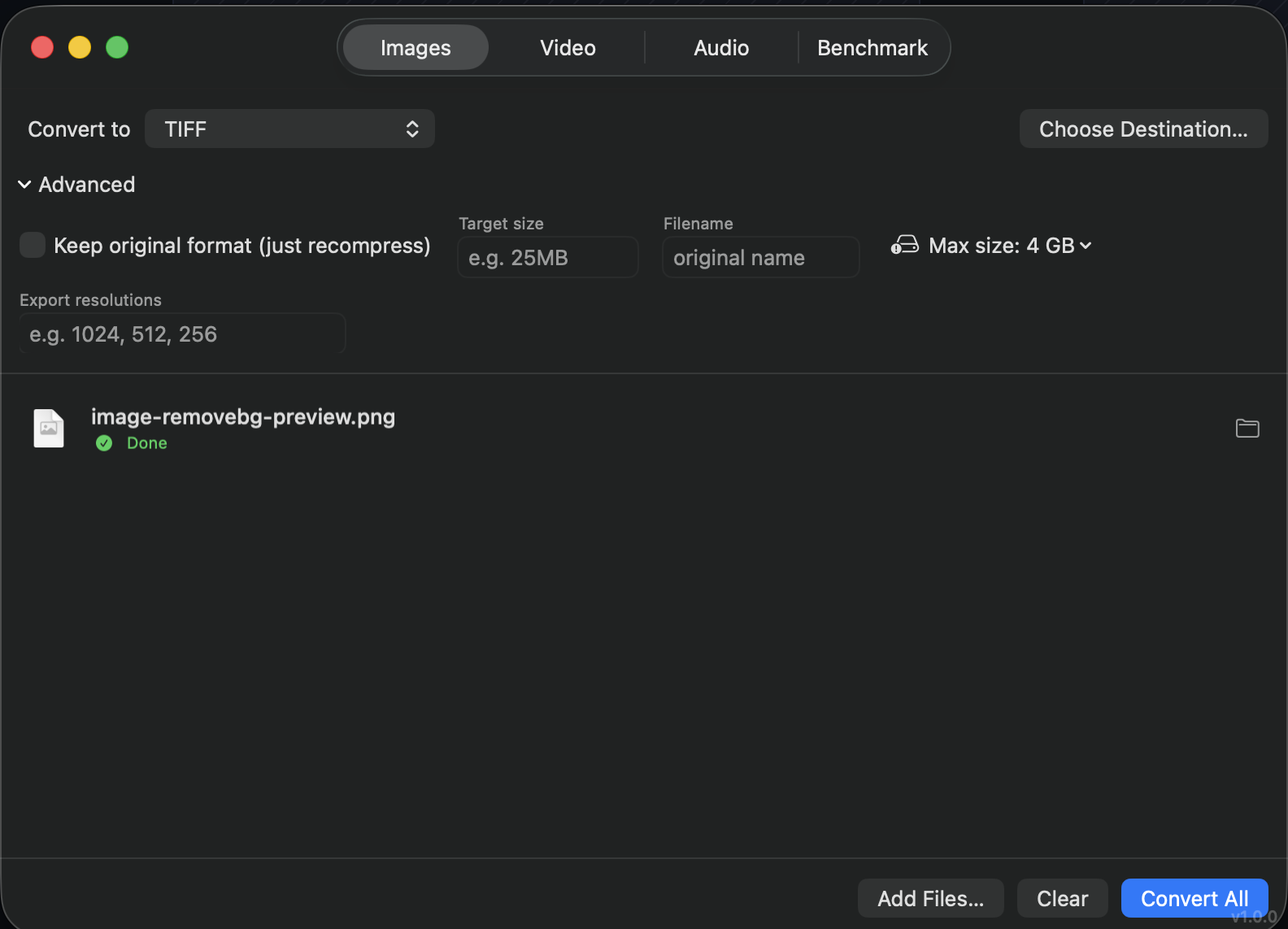
1280 × 800
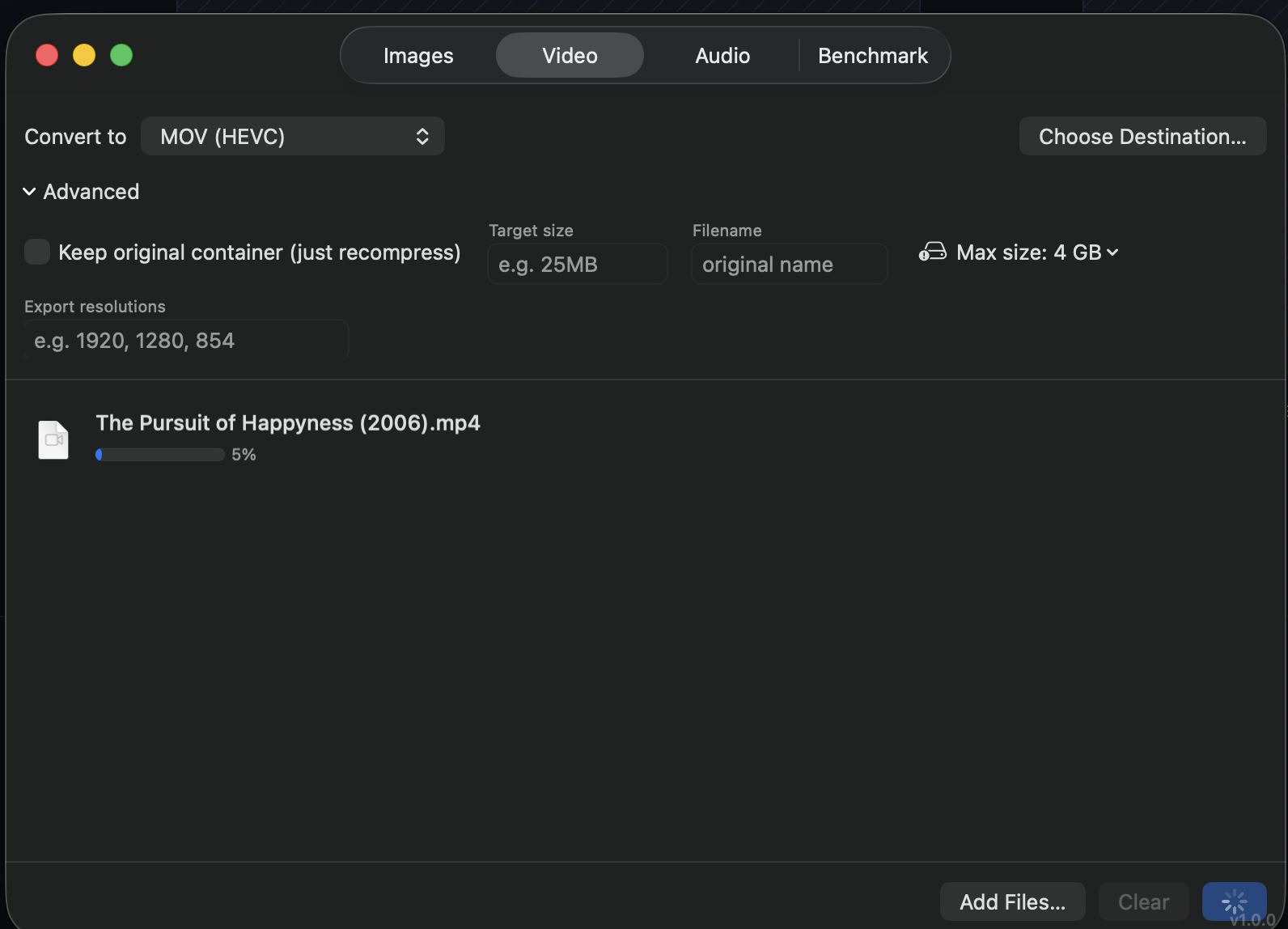
1280 × 800
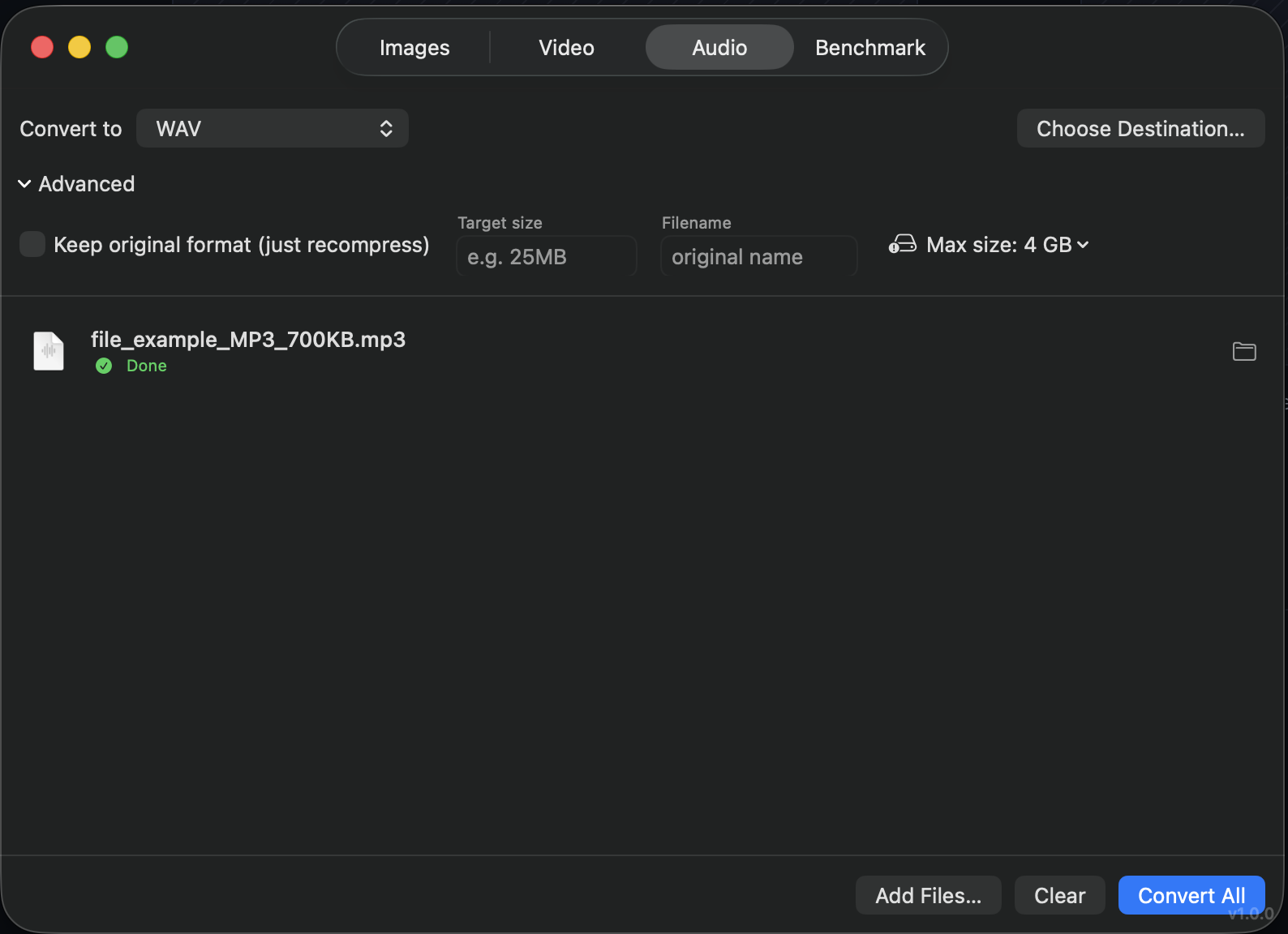
1280 × 800
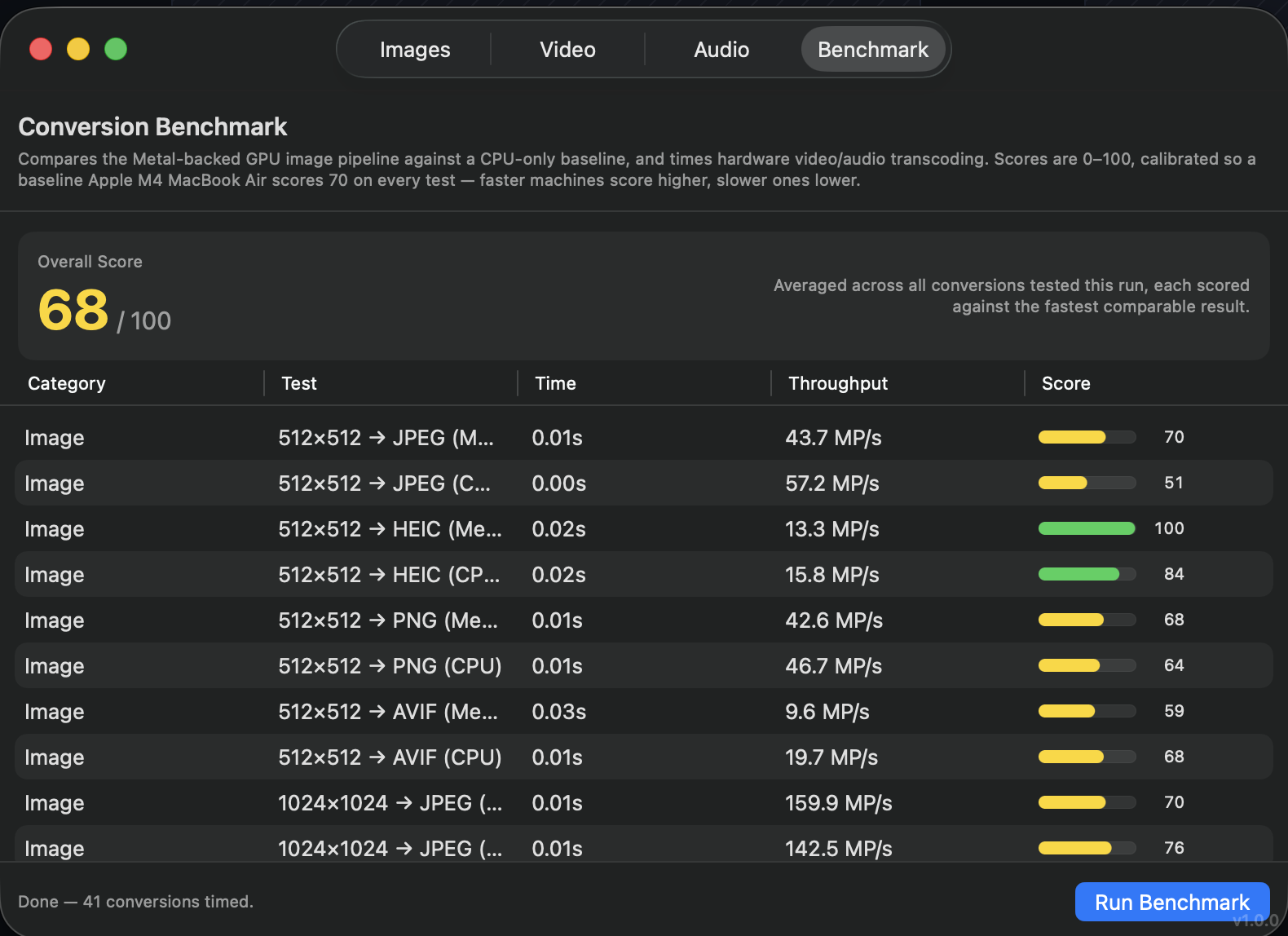
1280 × 800
Why native and ffmpeg
Apple's own frameworks are genuinely good at what they cover (RAW decoding, HEIC, hardware H.264/HEVC/ProRes), but they stop well short of MKV, most legacy codecs, and most audio formats. Rather than pretend otherwise, EasyConvert uses Core Image and VideoToolbox where they reach, and falls back to a bundled, self-contained ffmpeg (plus the WebP and JPEG XL reference tools) for everything else. No Homebrew, no separate install, no terminal.